
Technology
Innovative Navigation Patterns Shaping Modern Web Design

Key Takeaways
- Navigation methods directly influence how users experience and interact with websites.
- Creatively designed menus build brand distinction and communicate professionalism.
- Each navigation style suits particular content volumes and target audiences.
Navigation menus are a fundamental element of any website, guiding users effortlessly toward the content they need. As the landscape of web design continues to evolve, so do the techniques and structures behind navigation. Today’s most effective navigation menu solutions combine usability with creativity, making the journey both efficient and visually engaging. Modern patterns not only make websites easier to use but also convey a site’s identity and intent.
From classic layouts to bold, experimental styles, the diverse navigation approaches being adopted reflect the importance of catering to varied user preferences and devices. Factors such as mobile engagement, large amounts of content, and branding all play critical roles in determining the best navigation strategies. As we examine these patterns, consider how their thoughtful integration enhances both user experience and overall website performance.
Contemporary web design solutions often draw inspiration from leading examples while experimenting with new functions and aesthetics. By leveraging innovative navigation options, designers and site owners can deliver streamlined, engaging, and adaptive web environments. Understanding the strengths and use cases of major navigation patterns sets the foundation for creating memorable online experiences. For designers interested in exploring a wide variety of layouts and inspirations, this collection of navigation menus provides a comprehensive look at what is currently shaping the web.
Considering usability studies and resources, keeping up to date with international standards and trends, such as those covered in Nielsen Norman Group’s usability guidelines, ensures that adopted navigation patterns remain intuitive and user-focused.
Horizontal Navigation Bars
The horizontal navigation bar has stood the test of time as a preferred choice for many websites. Placed at the top of a webpage, it provides direct entry points to a site’s main categories and pages. This layout excels when content is limited to just a few primary options, ensuring straightforward, clutter-free navigation.
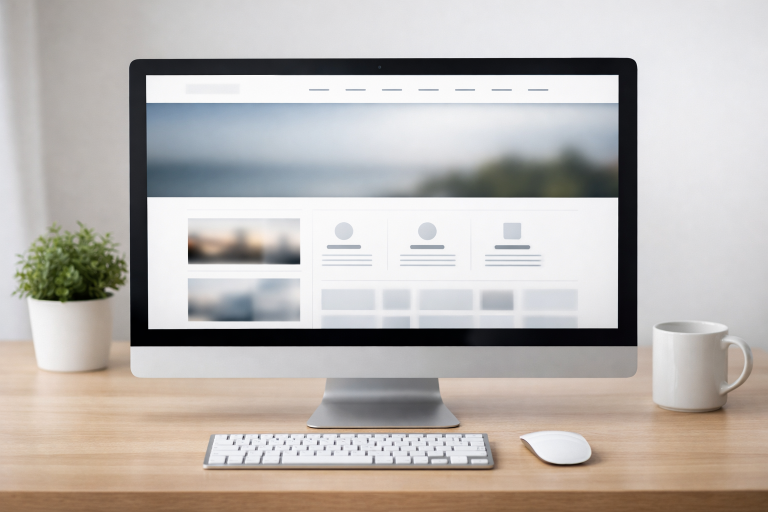
For businesses and personal websites alike, horizontal navbars convey a sense of reliability and expectation to users. Their placement aligns with how users typically scan a page, making the most critical information easy to locate instantly. Additionally, horizontal bars often adapt well to responsive layouts, changing into drop-down or hamburger menus on smaller screens, which enhances mobile usability.
Mega Menus
Mega menus are a solution for websites with vast amounts of content, such as e-commerce platforms, news portals, and educational institutions. These large-format dropdowns can display various categories, columns of links, images, and even promotional banners. A well-structured mega menu segments information intuitively, reducing the cognitive load and helping users reach their goals faster.
When constructed with visual hierarchy in mind, mega menus break down complex navigation tasks into clear, digestible units. Brands with extensive product lines or informational resources use this method to keep navigation accessible without overwhelming users with clutter or too many clicks.
Off-Canvas Menus
Off-canvas menus have become increasingly popular as mobile traffic has surged. These menus remain hidden off-screen and slide in, often from the left or right, when activated by touch or a click (commonly via the hamburger icon). By hiding navigation links until needed, off-canvas solutions offer a minimalist, distraction-free interface while keeping full menu access just one gesture away.
Off-canvas systems shine in responsive design, allowing complex menu structures to fit seamlessly into small-screen environments. This approach is particularly useful for web apps or sites where conserving main-page real estate is critical for content-centric interfaces.
Fixed Navigation Menus
Fixed or sticky menus are navigation bars that remain visible as users scroll down a page. This method helps users navigate long-form content or resource-heavy websites without having to scroll back to the top. The ever-present menu ensures quick access to key links and sections, improving overall browsing efficiency and satisfaction.
Fixed navigation is increasingly favored on content platforms, digital publications, and large corporate websites where ease of movement is paramount. The technique must be employed thoughtfully, as excessive screen coverage can interrupt the reading experience if not balanced properly. Smashing Magazine provides detailed insights on ensuring fixed menus benefit users without dominating the interface.
Experimental Navigation Patterns
Some designers are taking navigation to a new level with innovative approaches like hidden pop-out panels, horizontally scrolling menus, and floating single-page markers. These patterns can create memorable, brand-specific experiences but require attention to usability. When implemented with recognizable icons and clear paths, these experimental designs engage users and set a site apart from conventional offerings.
Custom-animated menus, interactive microinteractions, and visually unique layouts are being used to generate excitement while retaining navigability. However, designers should validate these ideas through user testing, as overly complex systems may confuse rather than delight.
Choosing the Right Navigation Pattern
Deciding on a navigation approach depends on several factors. The volume and complexity of content, the nature of the audience, and considerations for device compatibility all play significant roles. Designers should prioritize patterns that highlight essential information, follow industry best practices, and enhance the overall user journey.
Evaluating real user behavior through analytics or A/B testing helps ensure that chosen patterns genuinely improve usability and satisfaction. Incorporating user feedback and industry benchmarks keeps navigation current and effective as trends evolve.
Adopting creative, practical navigation techniques significantly enhances both the aesthetic appeal and functionality of any website. Staying aware of new developments and understanding foundational principles ensures that web designers are equipped to deliver exceptional digital experiences in an ever-changing landscape.
I was sipping my morning coffee and working on a responsive redesign for a local clinic, and we had a huge debate over mega menus versus sticky nav. They wanted to list every single service upfront, but it got way too cluttered on mobile. I browsed a few industry sites for inspiration and noticed the straightforward layout on https://www.dentalqore-reviews.com/review.html. It really made me realize simpler is better. We ended up going with a fixed navigation menu so patients never lose sight of the “Book Appointment” button as they scroll.
Great insights on how navigation design continues to evolve. Thoughtful menu structures, sticky navigation, and mobile-friendly layouts can significantly improve user experience while also supporting better Core Web Vitals by helping visitors access content quickly and efficiently. A well-designed navigation system is key to both engagement and performance.